> For the complete documentation index, see [llms.txt](https://docs.gocontent.ai/llms.txt). Markdown versions of documentation pages are available by appending `.md` to page URLs; this page is available as [Markdown](https://docs.gocontent.ai/gocontent-social-posts/researching-a-social-media-post-topic/similar-search.md).
# Similar search
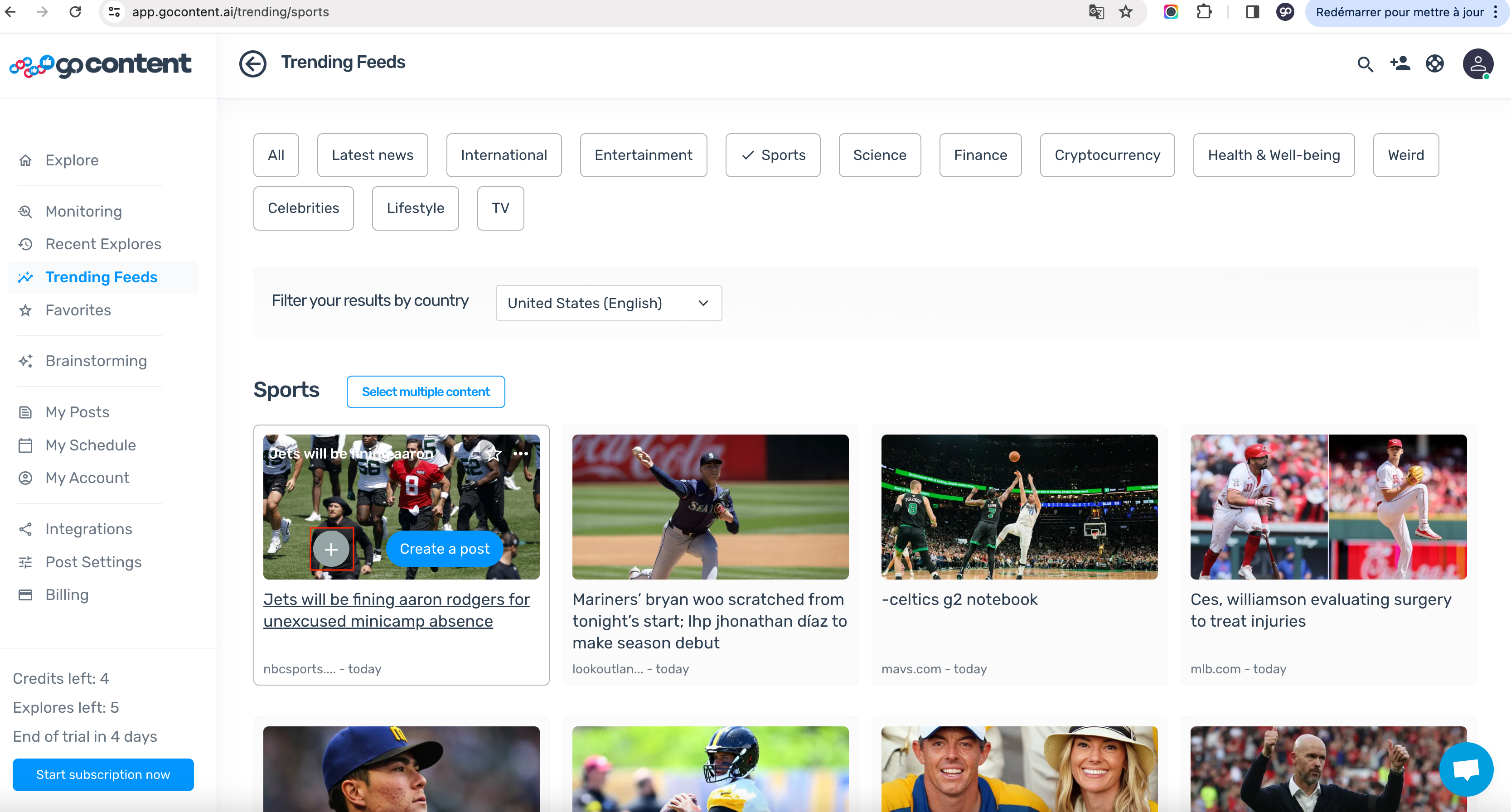
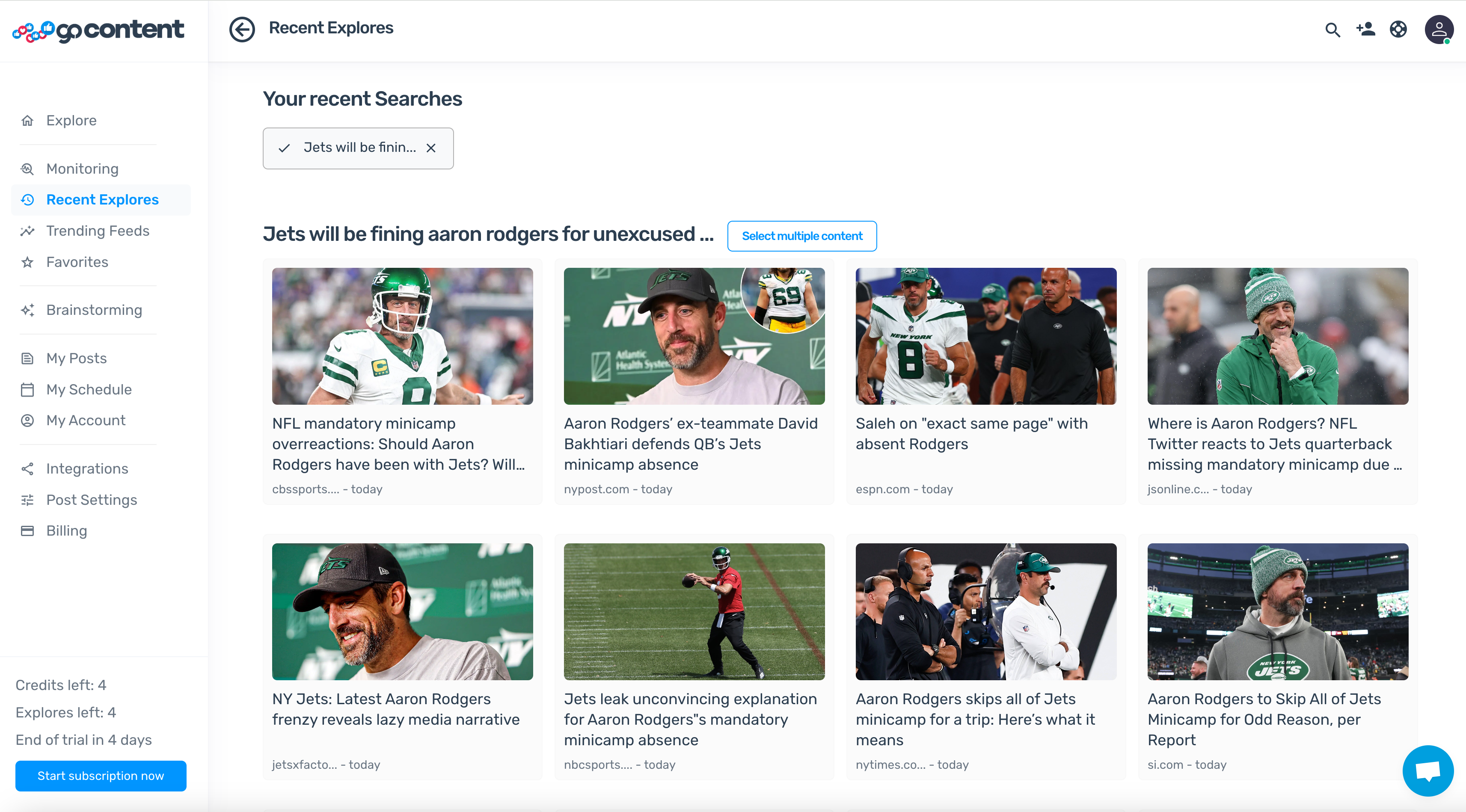
For more post topic suggestions on a specific theme, click the '+' on the thumbnail and select "More content like this" to get several related post ideas quickly.
In [**Trending feeds**](https://www.gocontent.ai/trending-feeds), Recent Explores, Custom Feeds... you have a wide variety of post topics.
If a particular theme interests you, you can get more post topic suggestions on the same theme.
### How to use Similar Search?
To get more post topic suggestions on the same theme, click on the '**+**' symbol on the thumbnail the thumbnail that interests you.
In the window that opens, click on the '**More content like this**' button.
In less than a minute, you will get several post suggestions on the theme that interests you.
Pas nécessaire